
Best AI Garden and Landscape Design Tools From a Photo in 2026
Six AI garden design tools compared: Ogrovision, ChatGPT, DreamYard, Neighborbrite, Home Design AI, iScape. Free limits, pricing, languages. Updated October 2026.
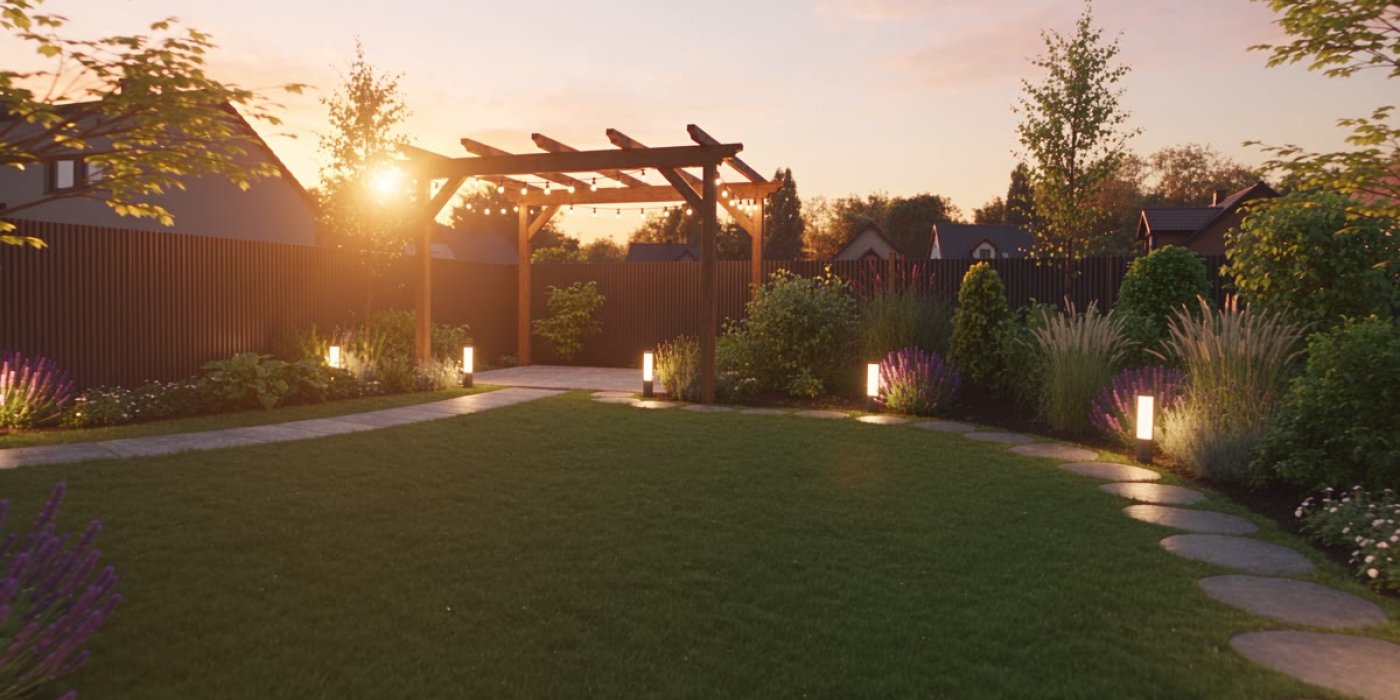
The best AI garden design tool depends on what you need: to see your own yard transformed, to get a plant list, or to plan the garden by hand. For photo-based visualisation with plant recognition and a printable plan, Ogrovision fits best; for a quick free try, DreamYard and Neighborbrite; for manual placement of specific plants on your phone, iScape. ChatGPT can produce a visualisation, but without garden-specific tools.
Full disclosure: Ogrovision is my app. So for the other tools I stick to what their makers state on their own websites, and for Ogrovision to what I built myself. I used the same format in my comparison of AI interior design tools.
Comparison at a glance
| Tool | Type | Starting point | Free | Paid from | Languages |
|---|---|---|---|---|---|
| Ogrovision | AI from a photo | garden photo | free credits on sign-up, no card | $2.99 for 10 credits | English, Polish |
| ChatGPT | general-purpose AI | photo + prompt | limited image generations | ChatGPT subscription | many |
| DreamYard | AI from a photo | garden photo | 3 designs per project, no card | Pro plan (price not listed) | English |
| Neighborbrite | AI from a photo | garden photo | free to use, Pro features paid | not stated | EN, ES, DE, FR, IT |
| Home Design AI | AI from a photo | garden photo | free credits after log-in | $9.99 for 30 credits | not stated |
| iScape | manual design app | photo on your phone | limited trial | $29.99 / month | not stated |
As of October 2026, based on the vendors' own websites. I did not test competitors' paid plans, so where a vendor does not state something I write "not stated" rather than guess. Free-plan limits change often — check before you sign up.
The key split is in the second column. AI from a photo shows your actual yard — same house, same fence, same angle — redesigned in seconds. A manual design app makes you place plants and materials yourself, but gives you control over every shrub. A general-purpose AI like ChatGPT does a bit of both, and neither particularly well.
Ogrovision — garden design from a photo, with a plan
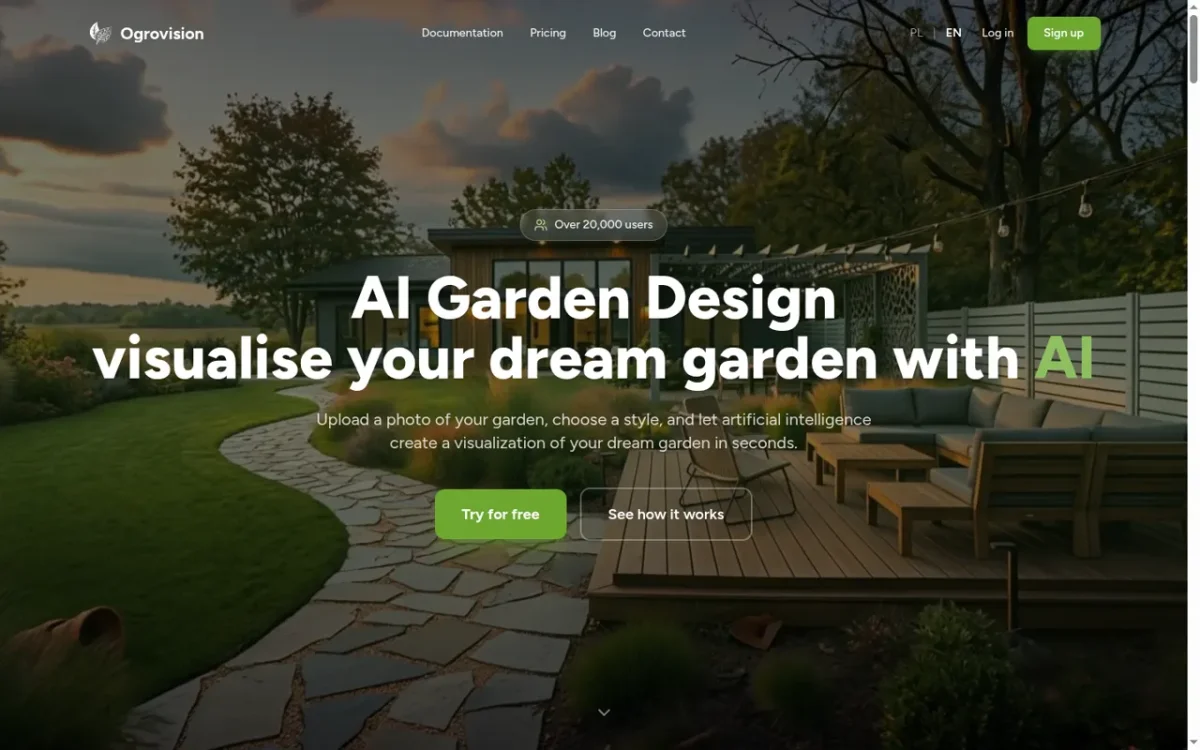
With Ogrovision you upload a photo of your garden, patio or backyard, pick a style, and in 15–60 seconds get a visualisation of the same space redesigned. There are more than 109 ready-made styles in eight categories, from front gardens and terraces to relaxation zones, playgrounds and entrances.
Beyond the visualisation it does a few things the rest of this list does not: it recognises the plants already in your photo and suggests how to care for them, renders all four seasons of the same garden at once, and produces a PDF garden plan with a shopping list, schedule and care calendar. To change just one area — say the lawn — you paint over it and describe what should go there.
You get free credits on sign-up with no card required. After that you buy packs: 10 credits for $2.99, 30 for $7.99, 60 for $12.99. A standard generation costs 1 credit; a version using OpenAI's GPT Image model costs 3.
ChatGPT — can ChatGPT design a garden?
Yes, with caveats. You can upload a photo of your yard to ChatGPT and ask for a visualisation in a given style, or for a list of shade-tolerant plants. It is a good place for ideas and first questions: what path surface, what to plant along the fence, how to split the plot into zones.
There are two limits. First, ChatGPT has no garden-specific tools — no ready-made styles, no masking of the area to change, no PDF plan — so everything has to be described in words. Second, across successive edits it tends to change things you did not want touched: the house, the windows, the camera angle. The free plan limits how many images you can generate; a paid subscription gives you more.
DreamYard — free designs, no card

DreamYard gives you 3 designs per project for free, with no credit card, in high resolution and downloadable. Results usually arrive in under 30 seconds. The styles lean American: modern, tropical, desert, cottage.
The Pro plan unlocks unlimited designs, edits, plant lists and architectural sketches, but the price is not listed on the home page.
Neighborbrite — simple start
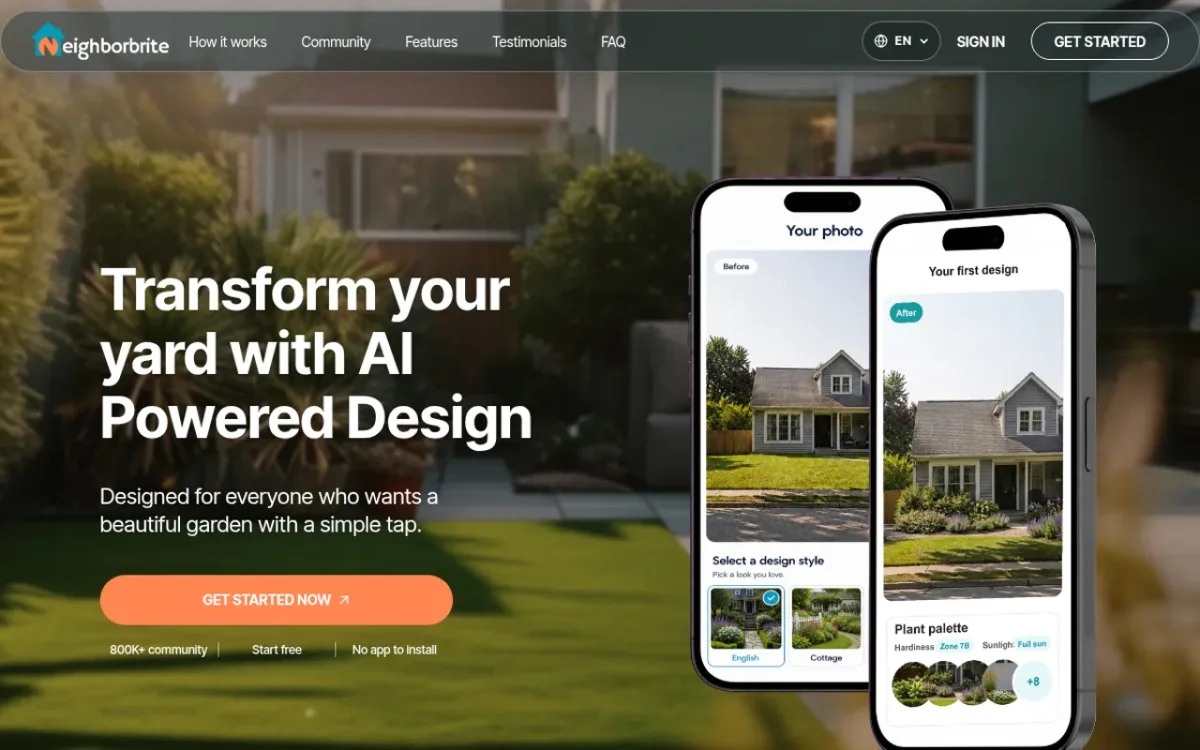
Neighborbrite reports more than 800,000 users and focuses on simplicity: upload a photo, pick a style, get a design with a plant palette. The core is free to use, with some features marked Pro. Paid prices are not listed on the site. It is available in English, Spanish, German, French and Italian.
Home Design AI — gardens as one feature among many
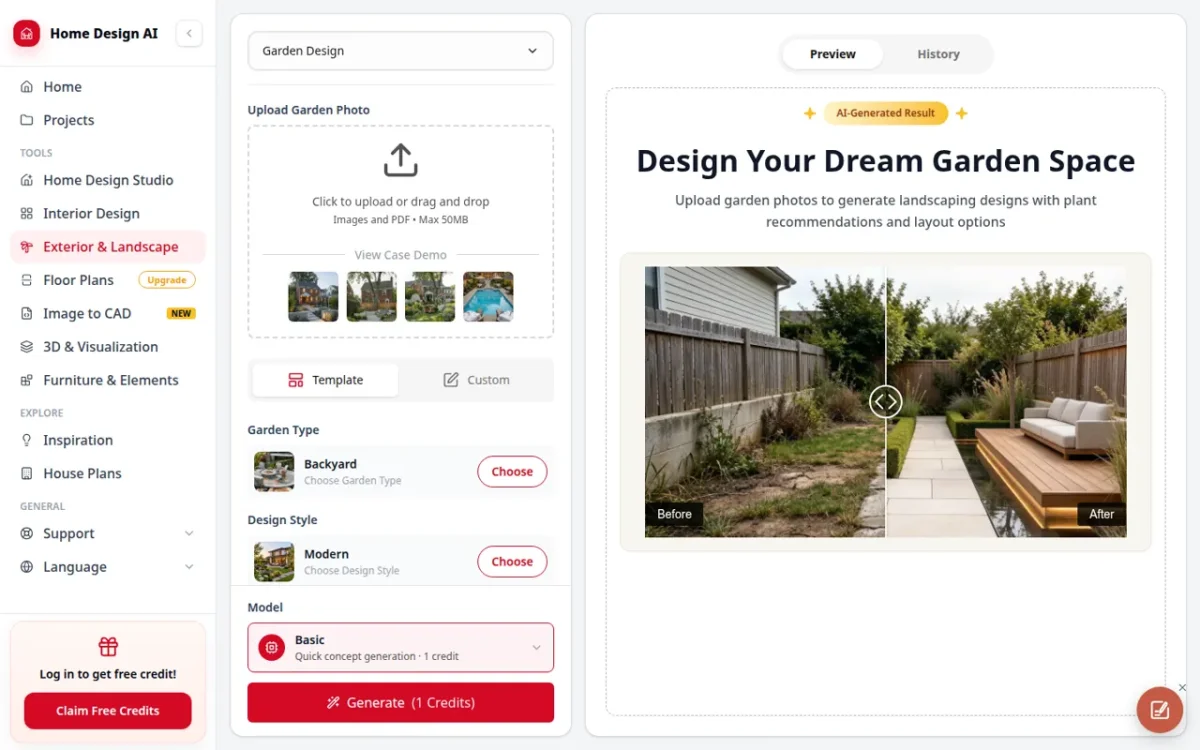
Home Design AI is a platform for designing everything — interiors, exteriors, floor plans and, among other things, gardens. You get free credits after logging in, then buy packs (30 credits for $9.99, up to 1,500 for $149) or a subscription from $9.99 a month. According to its pricing page, watermark-free downloads and commercial usage rights come with the paid plans.
A good fit if you are also redesigning the house inside and want one tool for everything; for gardens alone it is less specialised than the tools above.
iScape — manual design on your phone
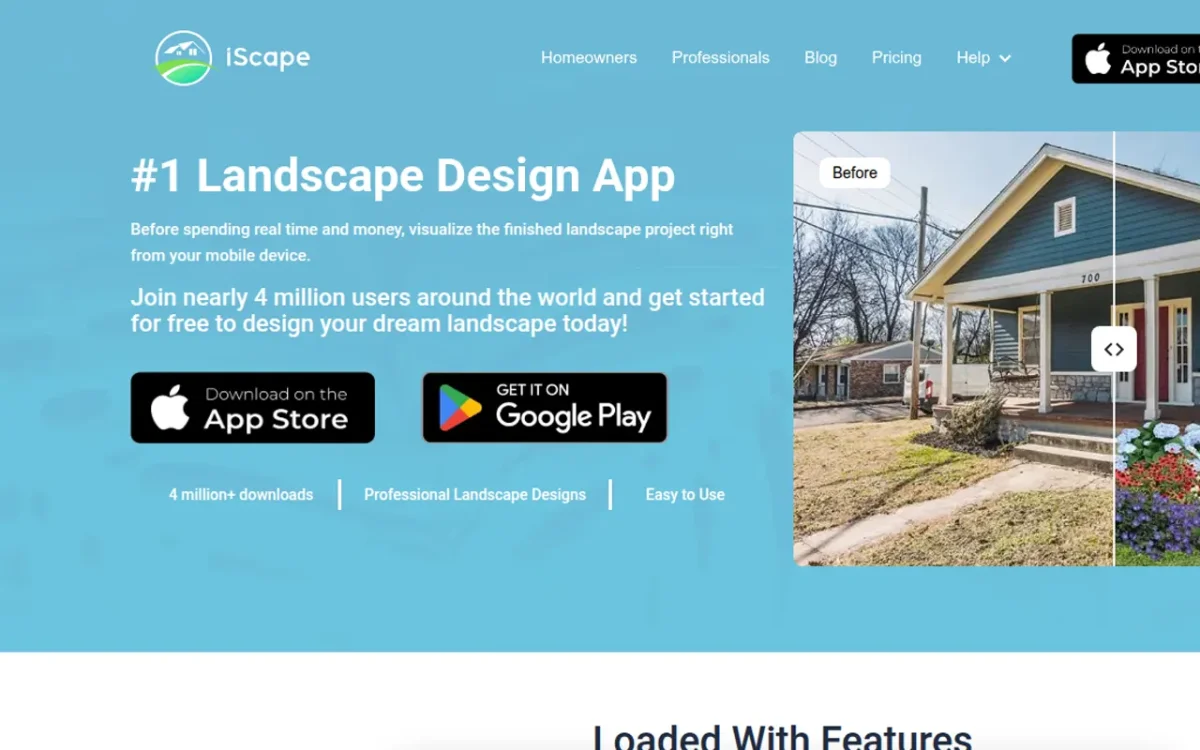
iScape is the odd one out: not an AI generator but an iOS and Android app where you place plants, hardscapes and objects on a photo of your yard yourself — drag, resize, rotate. On iOS it also works in 2D and 3D augmented reality.
The free version has a limited plant and product library. Pro costs $29.99 a month or $299.99 a year. It suits someone who already knows what they want to plant, or a landscaping business presenting a design to a client.
Which one should you choose?
| Your goal | Best pick |
|---|---|
| See your own garden in a new style | Ogrovision, DreamYard or Neighborbrite |
| Know which plants are already there and how to care for them | Ogrovision (plant recognition) |
| A garden plan with a shopping list and schedule | Ogrovision (PDF plan) |
| A few free tries with no card | DreamYard or Neighborbrite |
| Ideas and plant questions as a conversation | ChatGPT |
| Garden and interiors in one tool | Home Design AI |
| Placing specific plants on a photo by hand | iScape |
The advice is the same as for interiors: every tool here has a free start, so upload the same garden photo to two or three of them and compare. You will see right away which one keeps your house, fence and camera angle intact — and that decides whether the visualisation is any use.
Frequently asked questions
Is there a free app for AI garden design? Every tool in this comparison has a free start: DreamYard gives 3 designs per project with no card, Neighborbrite's core features are free, Home Design AI gives free credits after log-in, and Ogrovision gives free credits on sign-up without a card.
Can ChatGPT do landscape design? It can generate a visualisation from a photo and suggest what to plant, but it has no garden-specific tools such as ready-made styles, area masking or a PDF plan. Across edits it may also change elements you wanted to keep, such as the house or windows.
Can AI replace a landscape architect? AI produces a visualisation in seconds and helps you decide on style, plants and layout. It does not replace a construction-ready design with measurements, grading, irrigation and plant choices matched to your soil — for that you still need a landscape architect.
Is iScape really free? iScape is free to download with a limited trial and a reduced plant and product library. The full version (Pro) costs $29.99 a month or $299.99 a year.
Building an AI tool of your own — for clients or as a product, like Ogrovision? See how I work on custom AI applications.
You might also be interested in
Related pages
blog
Best AI for interior design in 2026 — 6 tools compared
A comparison of 6 AI interior design tools in 2026: Izbaviz, RoomsGPT, GenRoom, Luw.ai, Homestyler and Planner 5D. What each one does, what you get for free, wa…

blog
Izbaviz - AI interior design and room visualization
Izbaviz is an online platform for interior design and room visualization powered by artificial intelligence. Simply upload a photo of your room, choose a style,…

blog
PixiFixi Gains Momentum
After several months of intensive work, PixiFixi is clearly gaining momentum. The app launched in international markets, debuted on Product Hunt, and received m…